Auto Form Solver

Automatically detect, analyze, and answer Google Forms & Microsoft Forms quizzes

Auto Form Solver takes the manual work out of online quizzes. It automatically detects every question on Google Forms and Microsoft Forms, identifies each field type - multiple choice, checkbox, dropdown, short answer, or paragraph - analyzes the question with AI, fills in the answer, and moves to the next question. Solve entire forms hands-free.
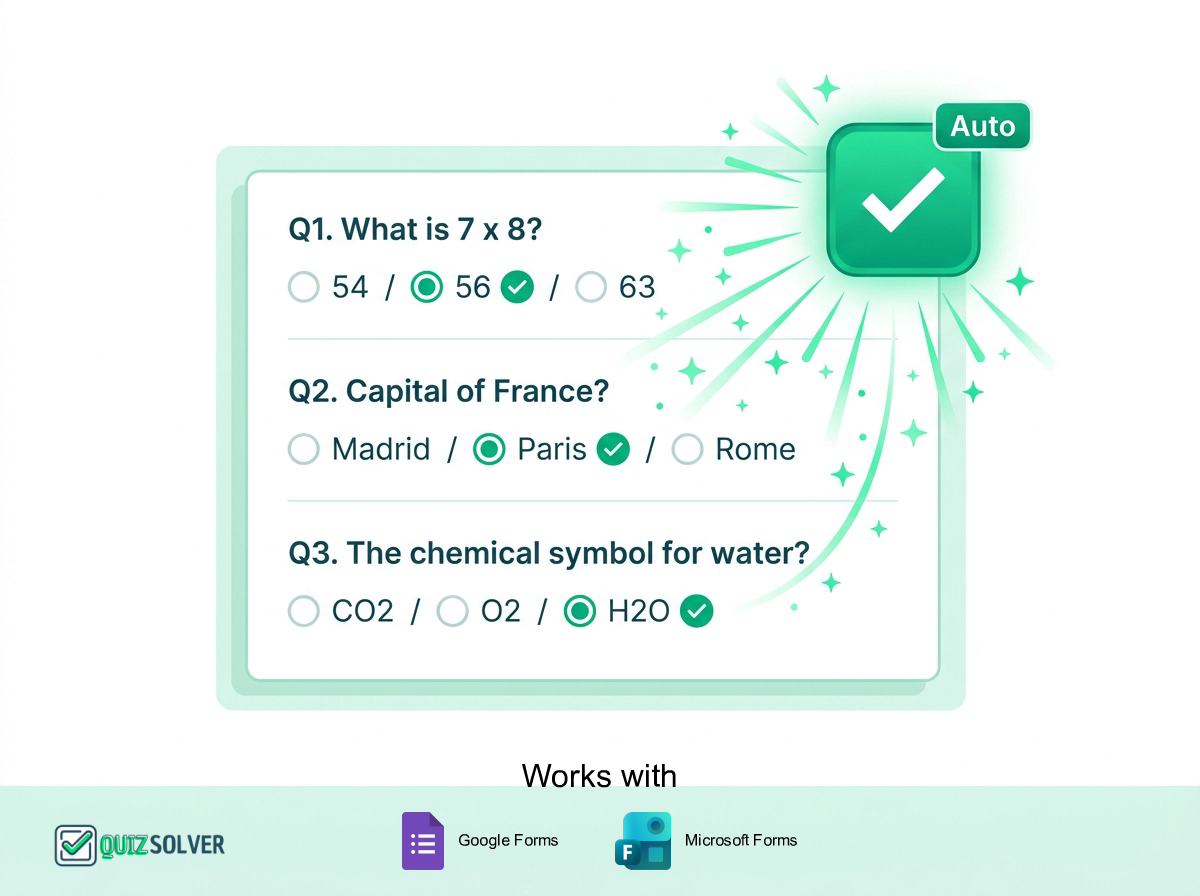
Auto Form Solver illustration

Key Benefits

  • Auto-detects every question on Google Forms & Microsoft Forms
  • Recognizes all field types: multiple choice, checkbox, dropdown, short answer & paragraph
  • AI analyzes each question for accurate, context-aware answers
  • Automatically advances to the next question after filling
  • Solve multi-page forms hands-free in seconds
  • You stay in control - review all answers before submitting

How It Works

Open any Google Form or Microsoft Form quiz
Activate Auto Form Solver from the QuizSolver popup
QuizSolver detects all questions and field types automatically
AI analyzes each question and generates the correct answer
The form auto-fills and moves to the next question instantly

Supported Platforms

Smart Detection works seamlessly with these popular learning platforms and many more.

Google Forms Microsoft Forms
FAQ

Frequently Asked Questions

Everything you need to know about Auto Form Solver. Can't find your answer? Contact us.

About Auto Form Solver

What form platforms does Auto Form Solver support?

Auto Form Solver works with Google Forms and Microsoft Forms - the two most popular online form platforms used in classrooms, training, and assessments worldwide.

What question types can it answer automatically?

Auto Form Solver handles all standard question types including multiple choice, checkboxes, dropdowns, short answer, paragraph (long text), linear scale, and date fields. It detects the field type automatically and formats each answer accordingly.

Does it advance to the next question on its own?

Yes! After filling in an answer, Auto Form Solver automatically navigates to the next question - including across multi-page forms. You can solve long quizzes with minimal interaction.

Can I review the answers before submitting the form?

Absolutely. Auto Form Solver fills the form fields but never submits the form on your behalf. You stay in full control - review every answer and click submit only when you're ready.

How accurate are the auto-filled answers?

Powered by advanced AI models, Auto Form Solver delivers high-accuracy answers across most academic subjects. As with any AI tool, we recommend verifying answers before final submission - it's a study aid, not a replacement for understanding.

Will it work on forms with required fields or validation?

Yes! Auto Form Solver respects field requirements - it identifies required fields and ensures answers are formatted correctly (e.g., email format, number-only fields, character limits) so the form passes validation when you submit.
General Questions

Is QuizSolver free to use?

Yes! QuizSolver offers a free QuizKick plan that gives you access to core features. Upgrade to QuizMaster for unlimited solves and premium features including unlimited Auto Form Solver usage.

How do I install QuizSolver?

Visit the Chrome Web Store, search for "QuizSolver" or click our install link, then click "Add to Chrome". The extension will be ready to use immediately - no account required to start.

Is my data safe with QuizSolver?

Absolutely. QuizSolver processes questions in real-time and does not store your quiz content or personal data. We are committed to student privacy and follow strict data protection practices.

Can I use Auto Form Solver on exams?

Auto Form Solver is designed as a study aid and learning tool. Always check your institution's academic integrity policies before using any assistance tools during assessments.

Try Auto Form Solver Today

Experience the power of Auto Form Solver and all other QuizSolver features. Start free, upgrade when you need more.

Responsible Use

QuizSolver is a study assistant designed to help you learn and understand. Always double-check important answers and follow your school/work rules and exam policies. Use responsibly for the best learning outcomes.