QuickSnap Shortcut Button
One-click capture for lightning-fast solving
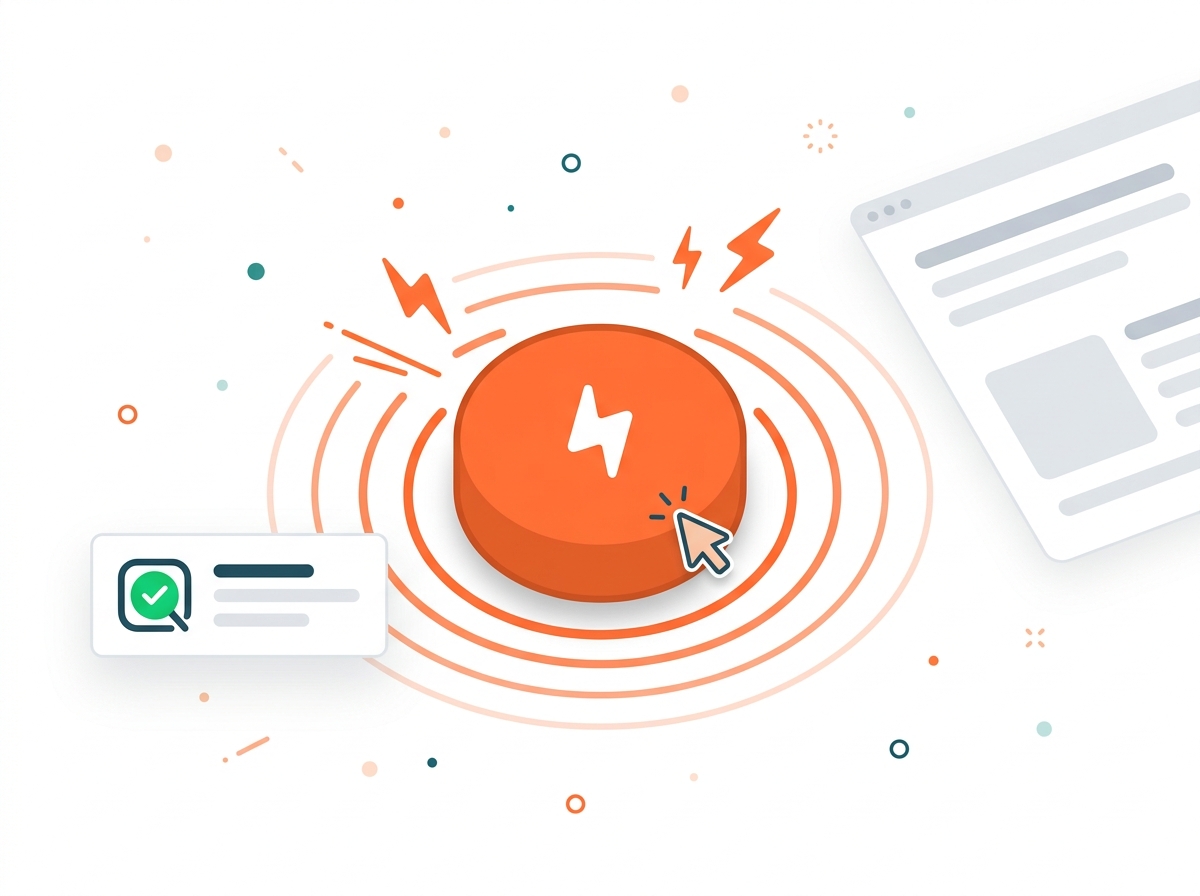
The NEW QuickSnap Shortcut Button gives you instant access to screen capture with a single click. When every second counts during timed quizzes, this dedicated button helps you capture and solve faster than ever.
Key Benefits
- Instant one-click access to QuickSnap
- Always visible shortcut button
- Perfect for timed assessments
- Reduces steps for faster workflow
- Customizable button position
How It Works
Enable the QuickSnap Shortcut in settings
A floating button appears on your screen
Click the button when you see a question
Select the area to capture
Get your answer instantly
FAQ
Frequently Asked Questions
Everything you need to know about QuickSnap Shortcut Button. Can't find your answer? Contact us.
About QuickSnap Shortcut Button
Can I hide the shortcut button when not needed?
Yes! You can toggle the QuickSnap Shortcut Button on/off from the extension settings. It remembers your preference across sessions.
Will the button interfere with my quiz interface?
The button is designed to be discreet and can be repositioned. It won't interfere with quiz interactions and stays out of the way of clickable elements.
Where does the shortcut button appear on screen?
By default, the button appears in the bottom-right corner of your browser window. You can drag it to reposition, and it will remember your preferred location.
Does the shortcut button work on all websites?
Yes! The QuickSnap Shortcut Button appears on all web pages and allows instant screen capture from anywhere you're browsing.
General Questions
Is QuizSolver available on browsers other than Chrome?
QuizSolver is currently optimized for Chrome and Chromium-based browsers like Edge, Brave, and Opera. We're exploring support for Firefox and Safari in the future.
How do I get help if I have issues?
You can contact our support team through the Contact page, email us directly, or check our documentation for troubleshooting guides. We typically respond within 24 hours.
Can multiple people share one QuizSolver account?
QuizSolver accounts are designed for individual use. Each user should have their own account to ensure proper usage tracking and personalized settings.
Responsible Use
QuizSolver is a study assistant designed to help you learn and understand. Always double-check important answers and follow your school/work rules and exam policies. Use responsibly for the best learning outcomes.