Smart Detection
Automatically detect quiz questions across 20+ major platforms
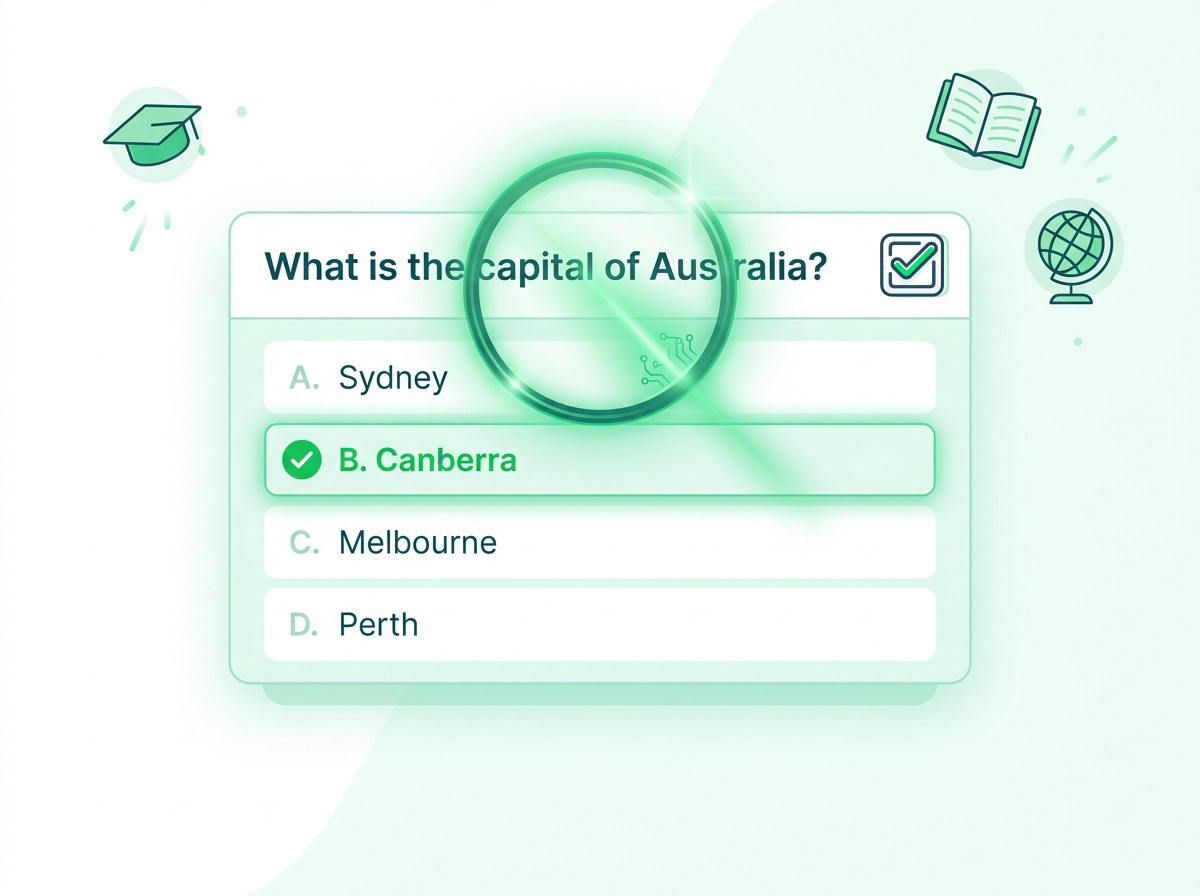
QuizSolver's Smart Detection technology automatically identifies and reads quiz questions directly from the page. No manual copying required - just click and get instant AI-powered assistance.
Key Benefits
- Auto-detects questions on 20+ quiz platforms
- Works with Canvas, Blackboard, Moodle, Google Forms & more
- No copy-paste required - saves valuable time
- Recognizes multiple choice, true/false, and fill-in questions
- Intelligent context extraction for accurate responses
How It Works
Install QuizSolver from Chrome Web Store
Open any quiz on a supported platform
Click the QuizSolver icon or use keyboard shortcut
Smart Detection reads the question automatically
Get AI-powered assistance in seconds
Supported Platforms
Smart Detection works seamlessly with these popular learning platforms and many more.
Canvas
Blackboard
Moodle
Google Forms
Microsoft Forms
Quizlet
Kahoot
Coursera
edX
LinkedIn Learning
FAQ
Frequently Asked Questions
Everything you need to know about Smart Detection. Can't find your answer? Contact us.
About Smart Detection
What platforms does Smart Detection support?
Smart Detection works on 20+ major learning platforms including Canvas, Blackboard, Moodle, Google Forms, Microsoft Forms, Quizlet, Kahoot, Coursera, edX, LinkedIn Learning, and many more.
Do I need to copy the question manually?
No! Smart Detection automatically reads the question from the page. Just click the QuizSolver icon and it handles the rest.
Does it work on custom quiz websites?
Yes, Smart Detection is designed to work on most quiz formats. For unsupported formats, you can use Smart Highlight or QuickSnap Mode.
What question types does Smart Detection recognize?
Smart Detection recognizes multiple choice, true/false, fill-in-the-blank, matching, short answer, and essay questions. It extracts all answer options when applicable.
General Questions
Is QuizSolver free to use?
Yes! QuizSolver offers a free QuizKick plan that gives you access to all core features including Smart Detection and QuickSnap. Upgrade to QuizMaster for unlimited solves and premium features.
How do I install QuizSolver?
Visit the Chrome Web Store, search for "QuizSolver" or click our install link, then click "Add to Chrome". The extension will be ready to use immediately - no account required to start.
Is my data safe with QuizSolver?
Absolutely. QuizSolver processes questions locally and does not store your quiz content or personal data. We are committed to student privacy and follow strict data protection practices.
Can I use QuizSolver on exams?
QuizSolver is designed as a study aid and learning tool. Always check your institution's academic integrity policies before using any assistance tools during assessments.
Responsible Use
QuizSolver is a study assistant designed to help you learn and understand. Always double-check important answers and follow your school/work rules and exam policies. Use responsibly for the best learning outcomes.