Flexible Request Types
7 different ways to get the help you need
QuizSolver offers 7 flexible request types so you can get exactly the help you need. From solving problems to step-by-step explanations, math calculations to text translation - choose the format that works best for you.
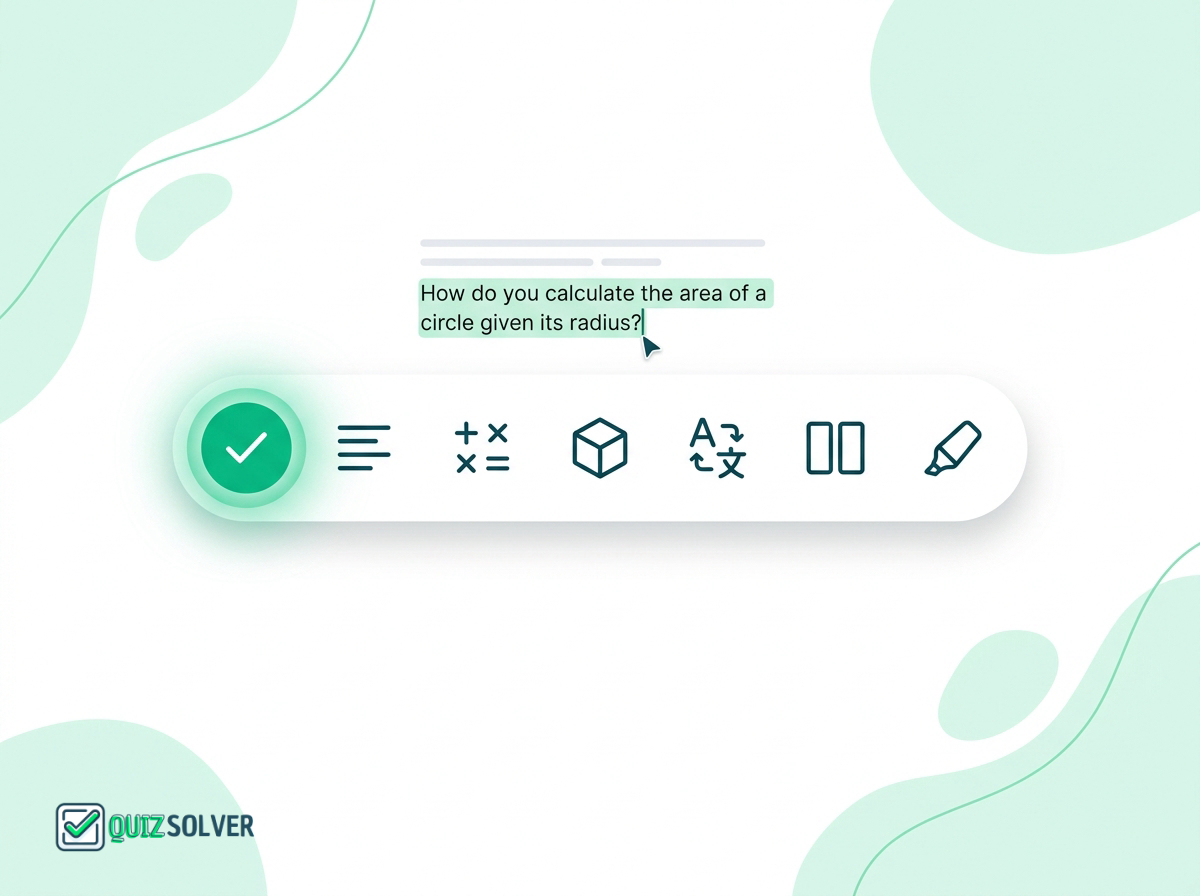
Key Benefits
- 1. Solve Problem - Get direct answers
- 2. Explain Solution - Step-by-step breakdown
- 3. Mathematical Calculations - Solve math problems
- 4. Geometry Solutions - Visual geometry help
- 5. Translate Text - Multi-language support
- 6. Extract Text - OCR from images
- 7. Rewrite Text - Paraphrase content
How It Works
7 Request Types Available
Solve Problem
Get direct, concise answers to your questions
Explain Solution
Receive detailed step-by-step explanations
Mathematical Calculations
Solve complex math problems with work shown
Geometry Solutions
Get help with geometry problems and proofs
Translate Text
Translate content between languages
Extract Text
OCR to extract text from images
Rewrite Text
Paraphrase and rewrite content
Frequently Asked Questions
Everything you need to know about Flexible Request Types. Can't find your answer? Contact us.
How do I choose a request type?
Can I change request types after getting an answer?
What's the difference between Solve and Explain?
When should I use Mathematical Calculations vs Solve?
How does the Translate feature work?
What is the Extract Text feature for?
Is there a way to set a default request type?
Can I request multiple formats at once?
Responsible Use
QuizSolver is a study assistant designed to help you learn and understand. Always double-check important answers and follow your school/work rules and exam policies. Use responsibly for the best learning outcomes.