Keyboard Shortcuts
Trigger QuickSnap anytime with Ctrl+Shift+Q
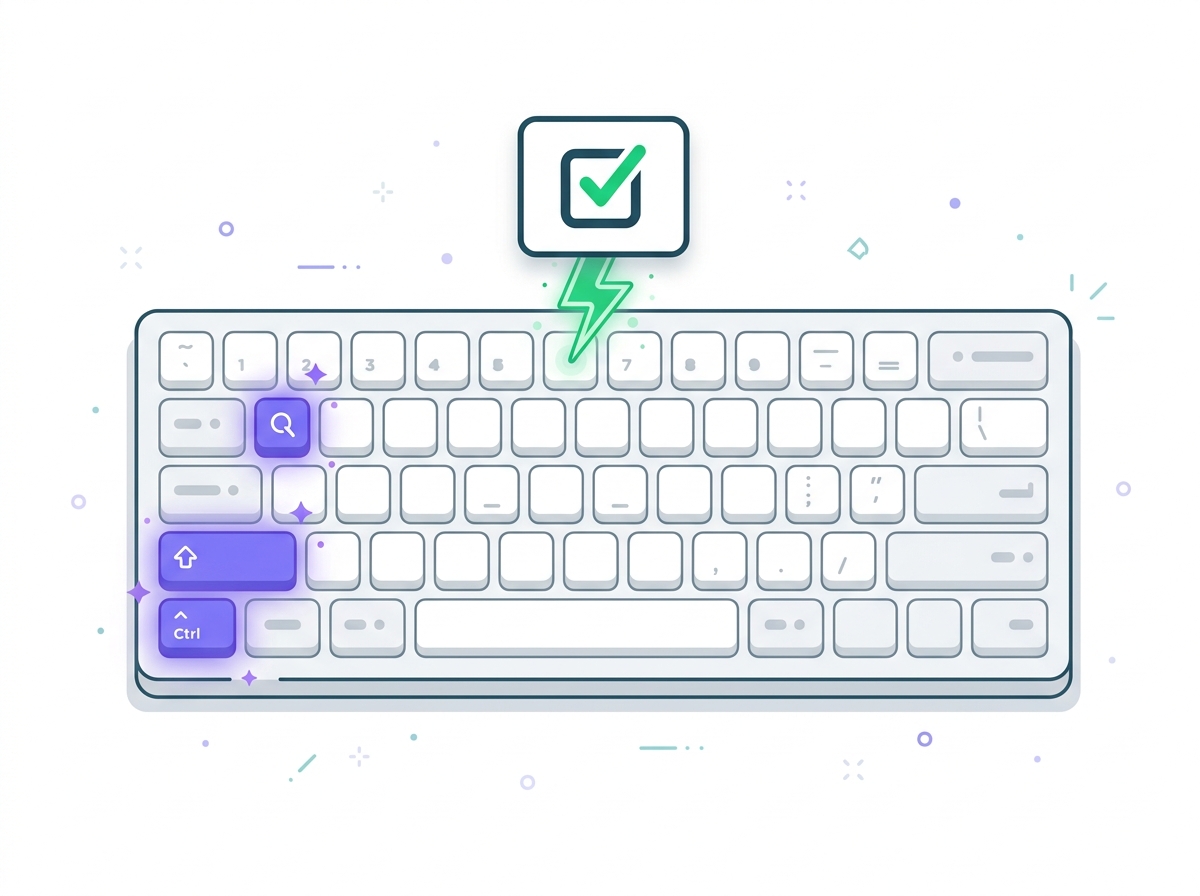
Power users love keyboard shortcuts. Press Ctrl+Shift+Q (or Cmd+Shift+Q on Mac) to instantly trigger QuickSnap mode from anywhere. No clicking required - just capture and solve on the spot.
Key Benefits
- Instant QuickSnap with Ctrl+Shift+Q
- No mouse needed - pure keyboard workflow
- Works from any tab or window
- Faster than clicking through menus
- Customizable shortcut combinations
How It Works
Press Ctrl+Shift+Q (or Cmd+Shift+Q on Mac)
QuickSnap mode activates immediately
Select the area with your question
Release to capture and process
View your AI-powered answer
FAQ
Frequently Asked Questions
Everything you need to know about Keyboard Shortcuts. Can't find your answer? Contact us.
About Keyboard Shortcuts
Can I customize the keyboard shortcut?
Yes! Go to chrome://extensions/shortcuts in your browser to customize QuizSolver's keyboard shortcuts to your preference.
Does the shortcut work in all applications?
The shortcut works in Chrome and on web pages. For desktop applications, use the QuickSnap Shortcut Button instead.
What is the default keyboard shortcut?
The default shortcut is Ctrl+Shift+Q on Windows/Linux and Cmd+Shift+Q on Mac. This instantly triggers QuickSnap mode for screen capture.
What if the shortcut conflicts with another app?
If Ctrl+Shift+Q conflicts with another extension or application, you can easily change it to any key combination through Chrome's extension shortcuts settings.
General Questions
How often can I ask questions with QuizSolver?
The free QuizKick plan includes a generous daily limit of questions. QuizMaster subscribers enjoy unlimited questions with no daily cap.
Does QuizSolver save my question history?
QuizSolver processes questions in real-time and doesn't store your quiz content on our servers. Your question history stays private and local to your browser session.
What happens when I reach my daily limit?
When you reach your daily limit on the free plan, you can wait for the next day when it resets, or upgrade to QuizMaster for unlimited access immediately.
Responsible Use
QuizSolver is a study assistant designed to help you learn and understand. Always double-check important answers and follow your school/work rules and exam policies. Use responsibly for the best learning outcomes.